GPT Image 2.5 Sunburst
Create and edit images from text and image inputs. Choose Sunburst when editing precision matters most.
Read OpenAI’s Sunburst documentationTwo models, two creative priorities. Choose precise editing or fast everyday image generation.
Create and edit images from text and image inputs. Choose Sunburst when editing precision matters most.
Read OpenAI’s Sunburst documentationGenerate high-quality everyday images quickly. Flare accepts text and image inputs and produces image outputs.
Read OpenAI’s Flare documentationModel information checked against OpenAI’s official documentation on September 12, 2026.
Monet AI 2.0 Beta brings AI video, image, audio, motion, effects, and editing into one flexible creative workspace.
 SHOT 06
FREE CREATION STUDIO · NO SIGN-UP
Generate an image or video without leaving the homepage. Switch tools at any time; the selected generator loads in the full-height workspace below.
Loading the free image generator…
The full creative workspace will appear here.A smoother multi-model workflow
Start with the format and creative control you need, compare a small set of models, then refine the strongest result without losing your original direction.
Lock the shot, references, output rules, and approval rubric.
Run controlled tests across the models that fit the job.
Apply motion, swap, lip sync, extension, or edits deliberately.
Track credits, retries, review time, and approved seconds.
Explore current AI models
Compare how quickly visual directions reach approval, not only their surface polish.
View model details ↗Input → costPrice text, image, and reference-driven routes by cost per approved second.
View model details ↗30 sec → reviewBudget longer audio-video sequences, extensions, and the risk of late-scene drift.
View model details ↗Repair → approveCompare a bounded edit with full regeneration before discarding approved layout.
View model details ↗Picture + audio costMeasure whether native stereo generation actually reduces sound finishing work.
View model details ↗Picture + soundTest native audio, cinematic control, references, and approved cost at current settings.
View model details ↗Prompt → sequenceEvaluate longer shots by temporal coherence, resolution, retries, and usable seconds.
View model details ↗Source → revisionTransform a source clip while checking identity, scene truth, motion, and sound.
View model details ↗Draft → deliveryCompare duration and resolution tiers with the lowest useful test setting first.
View model details ↗Understand plans and credits
Credits, model access, concurrency, and promotions can change. Estimate the images, video seconds, edits, and exports a typical project needs before choosing a plan.
One clear creative goal can reveal the right engine
FEATURES & WORKFLOWS
Choose the path that matches what you want to make, from brand definition and model routing to lip sync, pricing, review and final delivery. This independent guide also points creators to Polox AI.
Independent Monet AI review 2026 — independent deep reviews are thinner; treat as multi-model workspace and verify live terms.
Open the relevant guide →A source-linked definition of Monet AI as a multi-model video, image and audio workspace.
Open the relevant guide →Route every shot deliberately: write a contract, shortlist engines and measure approved seconds.
Open the relevant guide →Apply dialogue tools after motion approval with rights-cleared audio and a short sync test.
Open the relevant guide →Make one controlled edit, inspect continuity and deliver only after captions, audio and rights pass review.
Open the relevant guide →Long-form product update: lip sync, model routing, cost checklists and FAQ.
Open the relevant guide →Video editing, model routing, captions, audio and approved-output QA for a current workflow.
Open the relevant guide →Earlier 2026 product update coverage: scorecards, FAQ and honest aggregator positioning.
Open the relevant guide →Assess motion, camera, consistency and source-frame handling for short-form video workflows.
Open the relevant guide →Start with a production-ready image and limit the prompt to intended movement, timing and camera direction.
Open the relevant guide →Check official credits, limits and renewal terms before estimating a campaign budget.
Open the relevant guide →Compare quality, creative control, speed, access, usage rights, and practical limitations.
Open the relevant guide →Estimate experimentation, retries and approval renders before selecting an AI model workflow.
Open the relevant guide →Verify plan rules and measure credits, retries and cost per approved asset before committing.
Open the relevant guide →POPULAR QUESTIONS
Independent deep reviews are thinner; treat Monet as a multi-model comparison workspace and verify live terms before paying.
Read the supporting page →Monet AI is best understood as a multi-model aggregator suite for video, image and audio. Confirm live tools and credits on monet.vision.
Read the supporting page →After the base performance take and rights-cleared audio are approved. Start with a short sync test before full duration.
Read the supporting page →Preserve the source, make one controlled change and inspect identity, geometry, continuity, captions, audio and boundary frames before delivery.
Read the supporting page →Run the same brief and reference assets, then compare prompt adherence, temporal stability, controls, cost and rights.
Read the supporting page →No. This is an independent guide. Always verify prices, models and commercial terms on the official Monet site, and compare workflows on Polox AI when useful.
Read the supporting page →Log generations, retries, enhancements and exports, then divide total spend by approved outputs rather than raw files.
Read the supporting page →Features, access, and plan terms can change. Confirm important details on the official Monet AI website before starting a paid project. Brand names belong to their respective owners.
EXPANDED AI MODEL LIBRARY · AUGUST 2026
Practical introductions to AI image generation, AI video generator and image-to-video systems, with one detailed page for every model.
Cinematic text-to-video, image-to-video and video editing with native synchronized audio.
Open model guide →MiniMax · AI video generatorOpen-weights audiovisual generation with text, first/last frames and multimodal references.
Open model guide →Alibaba · AI video generatorLonger multimodal video generation with flexible duration, references, audio and continuity controls.
Open model guide →Black Forest Labs · Multimodal generatorEarly-access multimodal model direction spanning video, image, synchronized audio and action prediction.
Open model guide →Krea · AI image generatorAesthetic image foundation model designed for expressive generation and creative control.
Open model guide →Alibaba Qwen · AI image generatorCurrent Qwen image family for prompt-led generation, editing and visually precise iteration.
Open model guide →ByteDance Seed · AI image generatorByteDance Seed's July 2026 image model for stronger image-text alignment, structural coherence, text rendering, visual aesthetics, and complex information visualization.
Open model guide →ByteDance · AI image generatorProduction image generation and editing model for detailed prompts and controlled visual revisions.
Open model guide →ByteDance · AI image generatorEarlier Seedream image model useful for comparing prompt interpretation, style and editing progress across releases.
Open model guide →OpenAI · AI image generatorNatural-language image generation and multi-reference editing for precise creative revision.
Open model guide →Google · AI image generatorFast Gemini image generation and editing with high-resolution output and localization features.
Open model guide →Google · AI image generatorHigher-detail Gemini image route focused on 4K-capable generation and editing.
Open model guide →Monet AI · CREATIVE WORKFLOW
A refillable notebook can support several creative arguments: a calmer desk, a portable planning habit or the satisfaction of organizing a project. Those are different concepts, not merely different background colors. Write the intended audience response before generating the image so you can judge whether the concept is visible.
Keep product facts separate from the imagined scene. A generated visual can explore mood and composition, but specifications and customer claims need an approved source. Compare concepts using the same communication objective, then refine the strongest idea with deliberate changes to framing, hierarchy and copy space.
They communicate different reasons to care, situations or demonstrations. Changing only a color or a camera angle usually creates a variation within the same concept.
Describe the audience situation, product role, focal relationship and layout needs. Keep claims and final typography in approved, editable copy.
THE CREATIVE NOTEBOOK
Explore a focused tutorial, a practical prompt guide and a real-world planning exercise. Each guide includes an original brief and a checklist for reviewing your result.
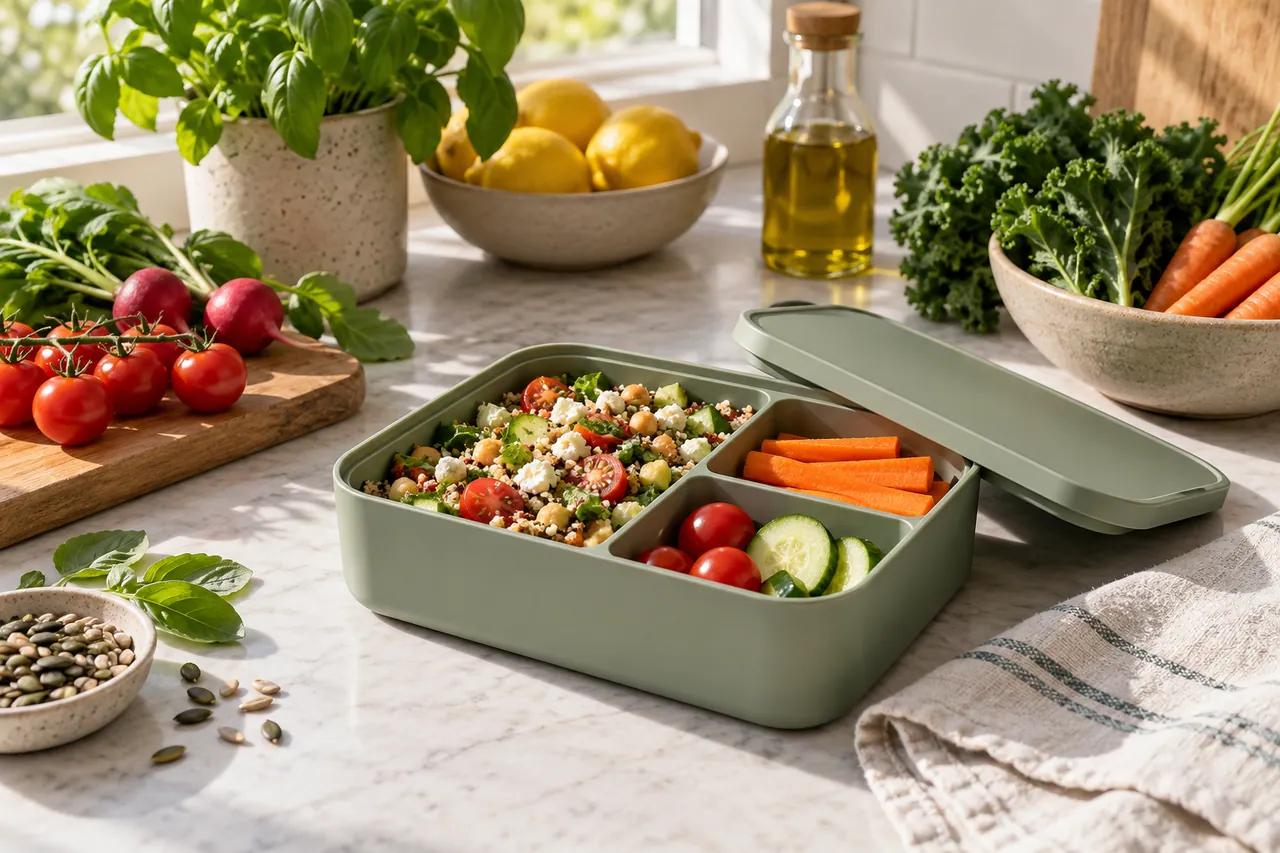
NEW CREATIVE GUIDE
A reusable lunchbox campaign: explore two original concept images, prompts and a practical production brief.
Explore the Monet AI creative guide →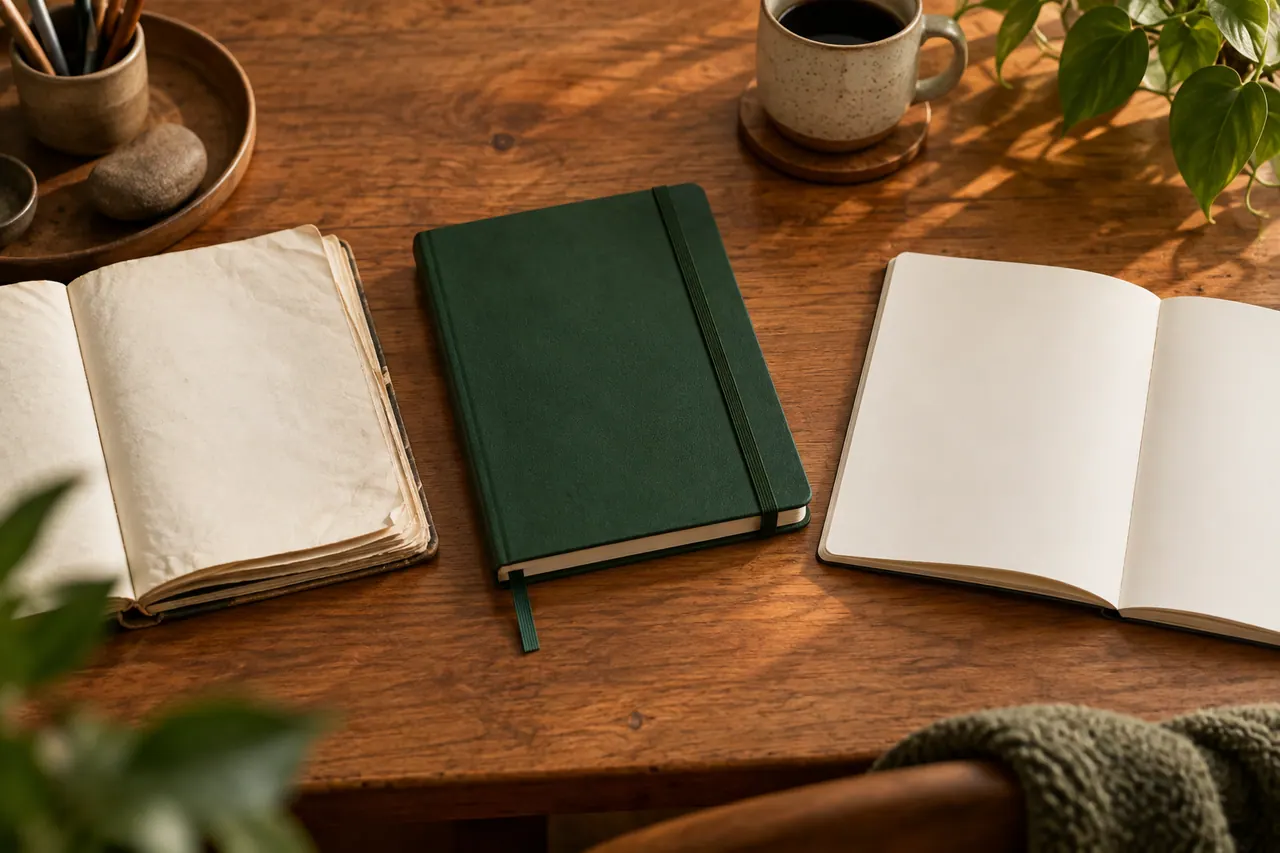
NEW IN THE JOURNAL
Build distinct Monet AI advertising concepts for a fictional refillable notebook, connecting audience insight, image prompts and disciplined creative tests.
Read the complete guide →